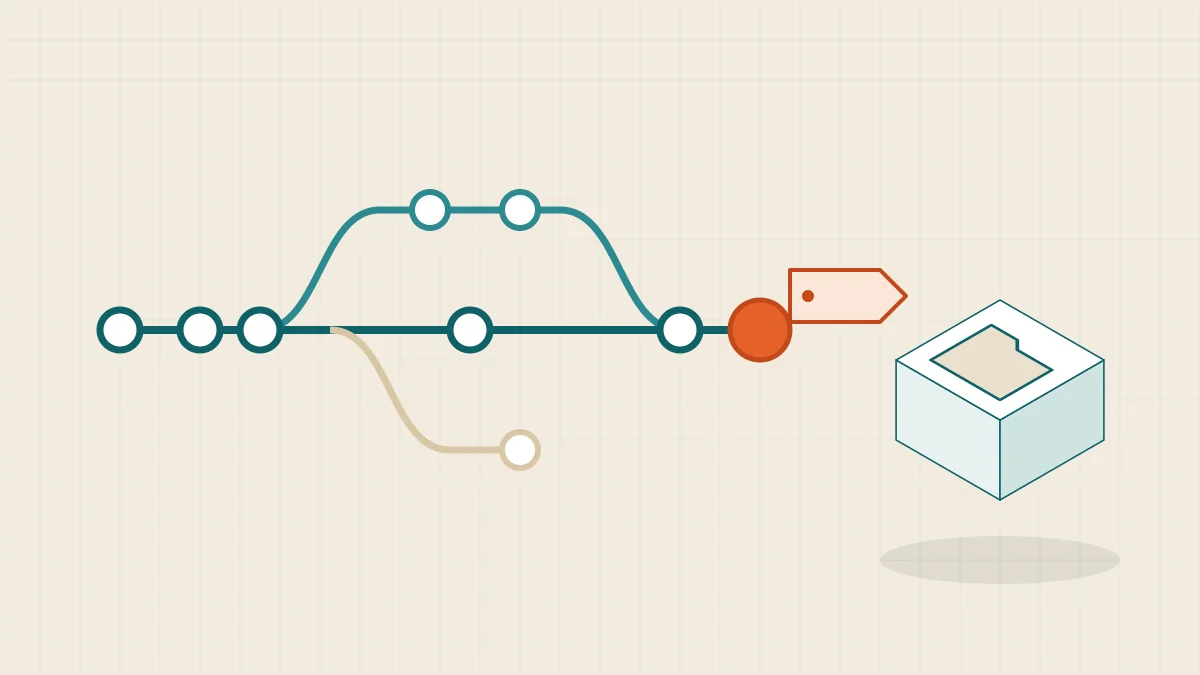
The real repository
The official repository is github.com/bloxstraplabs/bloxstrap, described as “an alternative bootstrapper for Roblox with a bunch of extra features”. It sits inside the Bloxstrap Labs organisation, which the project uses as the home for everything Bloxstrap-related.
You'll still see older links to github.com/pizzaboxer/bloxstrap. That was the project's earlier location under the account of its original author, pizzaboxer, before the move to the organisation. The project history covers how that happened.
The README states that the GitHub repository and bloxstraplabs.com are the only two official sources. A repository with a similar name under a different account is a fork or a copy, not the original.
A quick tour of the repository
- README: features, requirements (Windows, .NET 6 Desktop Runtime), install instructions including winget, and a short FAQ. It currently also says Bloxstrap is no longer under active development and that issues and pull requests may take a while to get a response.
- Releases: every published version with its notes and attached files.
- Issues: bug reports and feature requests. Search before opening a new one.
- Wiki links: help pages now live on bloxstraplabs.com, covering features and common problems.
- Licence: MIT, which allows reading, modifying and redistributing the code under its terms.
The interface is built with the WPF UI library; the project maintains its own fork of it under bloxstraplabs/wpfui. The organisation also hosts bloxstrap-rpc-sdk, which lets game developers send information to Bloxstrap from inside their experiences.
Releases vs source code: which file do you want?
| File | What it is | Who it's for |
|---|---|---|
Bloxstrap-v….exe | The compiled installer attached to a release | Anyone who just wants to use Bloxstrap |
| Source code (zip / tar.gz) | The code exactly as it was at that release | People reviewing or building a specific version |
main.zip from the Code button | The current state of the main branch, which can include unreleased changes | Developers and the curious |
The download button on our homepage links to that last one — the main-branch source archive. If your goal is to play Roblox through Bloxstrap, take the .exe from the latest release instead.
How to verify what you downloaded
- Check the address bar reads
github.com/bloxstraplabs/bloxstrapbefore you click anything. - Use the release labelled “Latest”, unless you have a specific reason to want another version.
- Confirm the file name follows the
Bloxstrap-vX.Y.Z.exepattern and matches the release's version number. - The project says its builds are code signed through the SignPath Foundation; Windows' file properties show the signature.
What about forks?
Because the code is MIT-licensed, anyone can fork it, and many people have. Some forks are personal experiments; others are published as separate launchers with their own names and maintainers. They aren't Bloxstrap releases, the Bloxstrap project doesn't vouch for them, and they deserve the same scrutiny as any other download. Judge each on its own repository, history and reputation.
Reporting a bug on GitHub
If something breaks, the Issues tab is where the project wants to hear about it — but a good report saves everyone time, especially since the README warns that responses may be slow.
- Update first. Make sure you're on the latest release; many reports turn out to be fixed already.
- Search existing issues. Add details to an open report rather than creating a duplicate.
- Include diagnostics. Since v2.8.1 you can export diagnostic data from Bloxstrap Settings, and since v2.8.0 reporting through Bloxstrap's error dialog attaches the relevant log file automatically.
- Describe the steps. What you clicked, what you expected and what happened, plus your Bloxstrap version.
Problems with Roblox accounts, bans or purchases aren't Bloxstrap bugs and belong with Roblox support instead.
Building Bloxstrap from source
If you want to compile Bloxstrap yourself, start with the “Building from source” page in the project's wiki, which is linked from the repository. In broad terms you'll need a Windows machine with the .NET SDK and a C# development environment, plus a clone of the repository rather than a plain zip if you want to pull later changes. A self-built copy won't carry the project's code signature, which is expected.
For everyday use, the release installer is simpler. Our installation walkthrough walks through it.
Related reading
Is Bloxstrap safe? Bans, malware and fake sites
Is Bloxstrap safe to use? What the open-source project actually does, what Roblox has said about bans, how to avoid fake Bloxstrap downloads and which privacy settings to check.
Pizzaboxer, Bloxstrap Labs and the history of Bloxstrap
Who is pizzaboxer, what is Bloxstrap Labs, and how Bloxstrap grew from a 2022 side project into a community-maintained Roblox launcher. Key releases and changes explained.
How to install Bloxstrap on Windows
Install Bloxstrap safely on Windows: where to download it, the .NET 6 runtime, installer options, first-run settings and the launch-handler step most people miss.