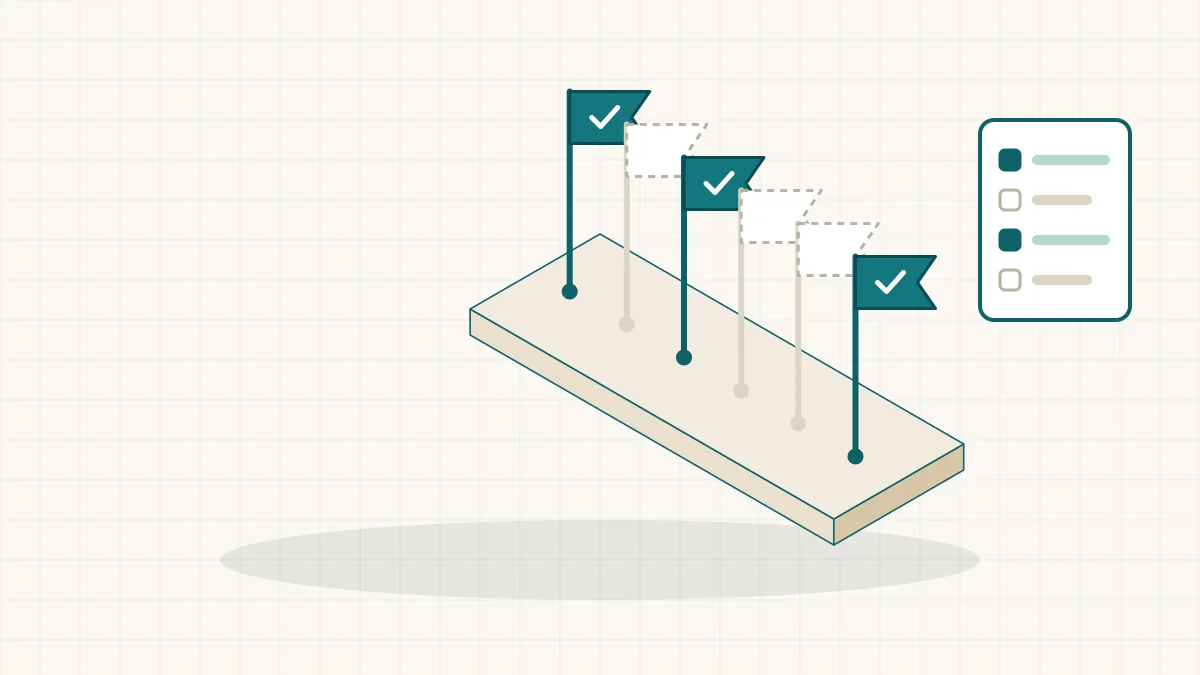
What Fast Flags are
Fast Flags are switches Roblox engineers use to change engine behaviour without shipping a full update — for A/B tests and gradual feature rollouts. Roblox downloads its list of flags when the client starts, but values can also be overridden locally in a file called ClientAppSettings.json. Bloxstrap's engine settings work by writing to that file, which is how it offered things like graphics tweaks and a framerate cap.
Because some flags gave players unintended advantages, Roblox had been signalling for a while that it would move to an allowlist rather than chase individual abusive flags.
Roblox's Fast Flag allowlist
In its announcement on the Roblox Developer Forum, Roblox described the allowlist as a way to improve platform security and stability by limiting which Fast Flags can be configured locally. The key points:
- Only flags on Roblox's list take effect from
ClientAppSettings.json. Bloxstrap's wiki dates enforcement to 30 September 2025. - Flags that aren't on the list are ignored. Roblox said no further action is taken against users who try to set them.
- The list can change at any time, and Roblox says it re-evaluates it regularly.
- Roblox Studio flags aren't restricted by the allowlist.
- Players can ask for a flag to be added through a feature request with a strong use case.
Roblox also addressed Bloxstrap by name: flags it sets behave exactly like hand-edited ones, so they only work if they're allowlisted.
How Bloxstrap responded
Bloxstrap v2.10.0, released on 1 October 2025, was mostly about removing options that no longer did anything. It dropped these engine setting presets:
- Disable player shadows
- Disable post-processing effects
- Disable terrain textures
- Disable full-screen titlebar
- Enable ability to hide GUIs
- Font size (now adjustable in Roblox itself)
- Framerate limit (use Roblox's in-game setting instead)
The rendering mode option stayed visible but stopped working, and the Fast Flag editor was hidden for Roblox Player users. Then v2.11.0 in April 2026 brought the editor back, with a warning about the allowlist so people know why many flags have no effect.
What still works in 2026
Bloxstrap's wiki now lists a small set of presets. Two worth knowing:
- Exclusive fullscreen. Normally Roblox uses borderless windowed fullscreen. With this on, Alt+Enter switches to true fullscreen, which may give a small performance boost — but it disables server location notifications and pop-out windows, and can cause cursor or resolution oddities on some GPUs.
- Preserve rendering quality. When Windows display scaling is above 100%, Roblox lowers its rendering resolution; this keeps it sharp.
Beyond presets, any flag you add in the editor works only if Roblox currently allows it. Roblox's own initial list included a handful of graphics and interface flags, but because the list changes, check Roblox's current allowlist rather than trusting a copied JSON file.
Why old “best Fast Flags” lists fail
Videos and pastebins promising FPS boosts or lower ping usually predate the allowlist. Pasting them into Bloxstrap now does one of two things: nothing, because the flags are ignored, or something unpredictable if a flag happens to be allowlisted but behaves differently than the author claimed. Neither is worth the trouble, and “flag packs” distributed as downloads are a common way to deliver unwanted software.
If a flag change makes Roblox crash, use the reset option in Engine settings, or follow the clean-reinstall steps in our troubleshooting article.
The bottom line
Fast Flags are now a minor part of Bloxstrap. Its other features — mods, activity tracking, Rich Presence, server location hints — weren't affected by the allowlist, and the project said at the time that it planned to add presets Roblox allows. For a tour of the remaining options, see the Settings guide.
Related reading
The Bloxstrap menu explained, tab by tab
What happened to the Bloxstrap Menu, how the launch menu works and what each Settings tab controls: integrations, mods, engine settings, appearance, behaviour and shortcuts.

Bloxstrap 2.9.1: what it fixed and where it fits
Bloxstrap 2.9.1 was a July 2025 bug-fix release. What it fixed, how it relates to 2.9.0 and later versions, and why you should install the latest release instead.
Is Bloxstrap safe? Bans, malware and fake sites
Is Bloxstrap safe to use? What the open-source project actually does, what Roblox has said about bans, how to avoid fake Bloxstrap downloads and which privacy settings to check.