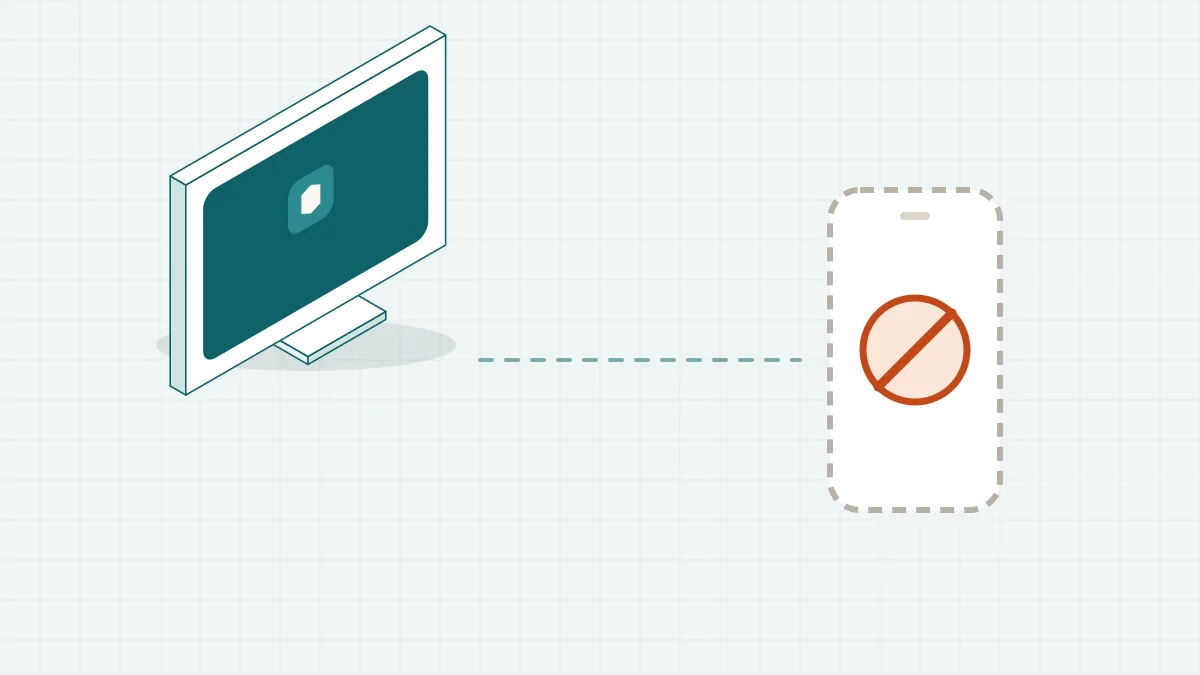
The short answer
Bloxstrap is only available for Windows PCs. The project's README says so plainly, and there has never been an official Android, iOS or iPadOS release. If you see a Play Store listing, an APK download or an iPhone app using the Bloxstrap name, it was made by someone else.
Why Bloxstrap can't simply be ported
It's not just a matter of the developers not getting round to it. Bloxstrap's whole job is tied to how Roblox works on Windows:
- It replaces the Windows bootstrapper. On a PC, a separate program downloads and starts Roblox, and Windows lets you choose which program handles Roblox links. Bloxstrap takes over that role. On Android, Roblox is installed and updated through the app store; there's no swappable launcher.
- It manages Roblox's files. Mods work by copying files over Bloxstrap's own copy of the client. Mobile operating systems sandbox apps so that one app can't rewrite another's files.
- It's a Windows desktop program. Bloxstrap is written in C# with a WPF interface and needs the .NET 6 Desktop Runtime — technology for Windows desktops.
The problem with “Bloxstrap APK” downloads
Because the demand is real and the product doesn't exist, fake Bloxstrap APKs are an easy lure. Installing apps from outside the Play Store means skipping its checks, and an app that claims to modify Roblox has a convenient excuse to ask for broad permissions or your login details. At best you get a useless app; at worst you lose your Roblox account or install something harmful.
If you already installed one, uninstall it, change your Roblox password from the official app or website, and turn on two-step verification.
What you can adjust on mobile instead
You won't get mods or Rich Presence on a phone, but some of what people want from Bloxstrap has a mobile equivalent:
- Graphics quality: Roblox's in-game settings let you lower graphics quality, which usually matters more for smoothness on phones than anything a launcher could do.
- Stay updated: keep the Roblox app current through your device's app store; outdated clients are a common cause of crashes.
- Free up the device: closing background apps and keeping storage space free helps lower-end devices.
- Check requirements: Roblox publishes minimum system requirements for mobile and has dropped support for older Android versions over time.
Tablets, Chromebooks and consoles
The same answer applies to every non-Windows device. Tablets run the regular mobile Roblox app. Chromebooks usually run Roblox through the Android app from the Play Store, so they're in the same position as phones. Xbox and PlayStation have their own Roblox apps that can't load replacement launchers at all. And because the project's README describes Bloxstrap as no longer under active development, a brand-new mobile port isn't something to wait for.
Common follow-up questions
- Can my Bloxstrap mods show up on my phone? No. Mods only replace files on the PC where Bloxstrap is installed, and only you see them there.
- Does Discord Rich Presence work from mobile? Not through Bloxstrap — its tracker runs on Windows alongside the Roblox client.
- Is a “Bloxstrap mobile” website safe? Treat any site offering a mobile download as unverified; the project's two official sources offer Windows builds only.
If you also play on a Windows PC
Install Bloxstrap there. Your Roblox account works on both devices as usual; Bloxstrap's mods and settings simply stay on the PC, because they only change local files on that machine. The installation walkthrough covers the setup, and our safety guide explains how to avoid fake desktop downloads too.
Related reading
Is Bloxstrap safe? Bans, malware and fake sites
Is Bloxstrap safe to use? What the open-source project actually does, what Roblox has said about bans, how to avoid fake Bloxstrap downloads and which privacy settings to check.
Bloxstrap on GitHub: the real repository, releases and source
Find the real Bloxstrap GitHub repository, tell releases from source code, verify a download, understand forks and build Bloxstrap from source if you want to.
How to install Bloxstrap on Windows
Install Bloxstrap safely on Windows: where to download it, the .NET 6 runtime, installer options, first-run settings and the launch-handler step most people miss.